
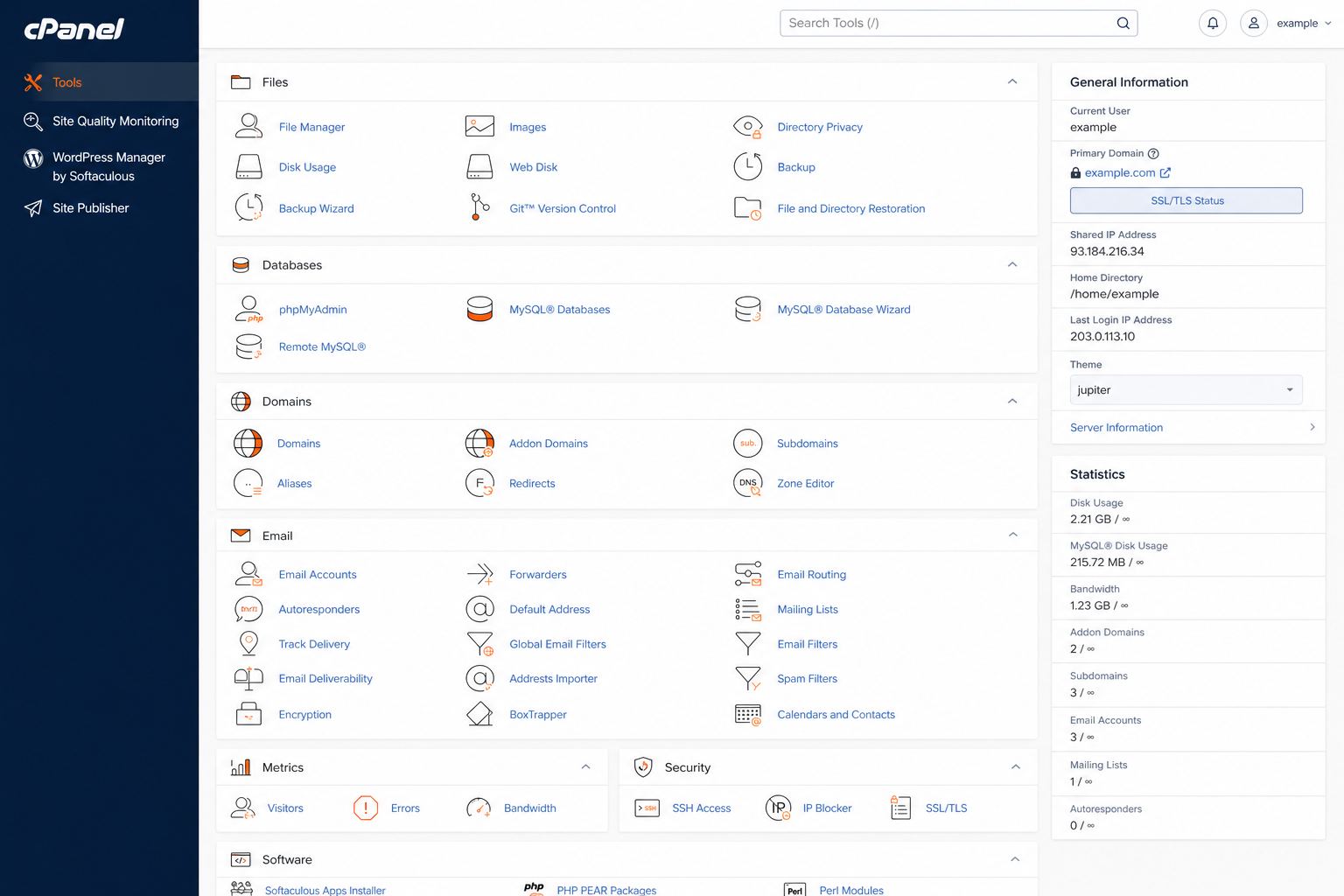
cPanel vs NexStack CP: which control panel fits your team?
Control panels are muscle memory. If your developer’s fingers know cPanel, forcing a new UI slows every migration. If your team prefers a modern streamlined panel, NexStack CP may feel cleaner.
How to decide
- Ask who will log in weekly — that person’s preference wins.
- List must-have tools: email, cron, staging, one-click apps.
- Do not choose a panel because a blog said it is “more modern.” Choose the one that matches your workflow.
Compare cPanel Hosting and NexStack web hosting on Host Cloud. Infrastructure quality matters more than the logo on the login screen.
Details that usually get skipped
Document ownership of the domain registrar login, the hosting panel, and the DNS editor. Many outages last longer because the only person with access is on leave. Keep a short internal runbook: where DNS lives, where backups live, who approves restores.
Measure before you guess
Before changing plans, capture current response times and error rates. Upgrades should answer a measured problem — CPU saturation, slow TTFB, mail deferrals — not a vague feeling that “the site is heavy.”
What this means day to day
Good infrastructure decisions show up in ordinary moments: a page that opens on a phone in traffic, an invoice that lands in the inbox instead of spam, a restore that takes minutes instead of an afternoon of guesswork. That is the standard we aim for at Host Cloud.
How we work with you
Phone support is available Monday to Friday, 9:00–17:00. Email and live chat run 24/7. When you open a ticket, send the domain name, what changed recently, and a screenshot or error text — it cuts diagnosis time sharply.
Next steps
If you want a second pair of eyes on your current setup, contact Host Cloud with your domain and goals. We will tell you what is already fine, what should move, and what can wait.